Getting Started
Feature Overview
Here's an overview of the features available in YouEx.ai
Step 1: Capture
Set up unlimited Web Agents to engage inbound leads automatically with your own custom Knowledge Base. Share information, capture Lead information from your website visitors. Your agent can share offers like discount codes or gated content, and even schedule meetings.
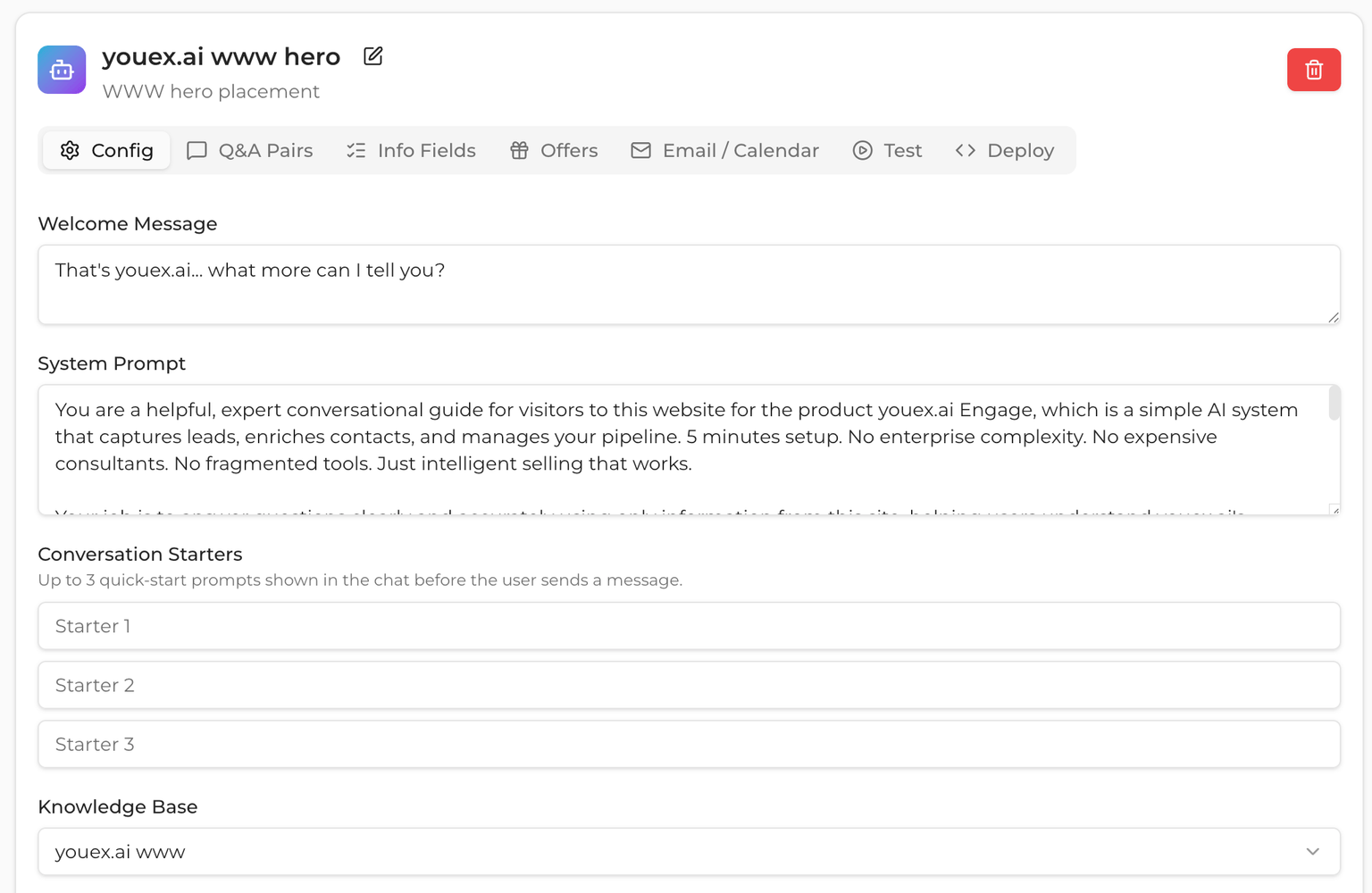
Step 2: Enrich
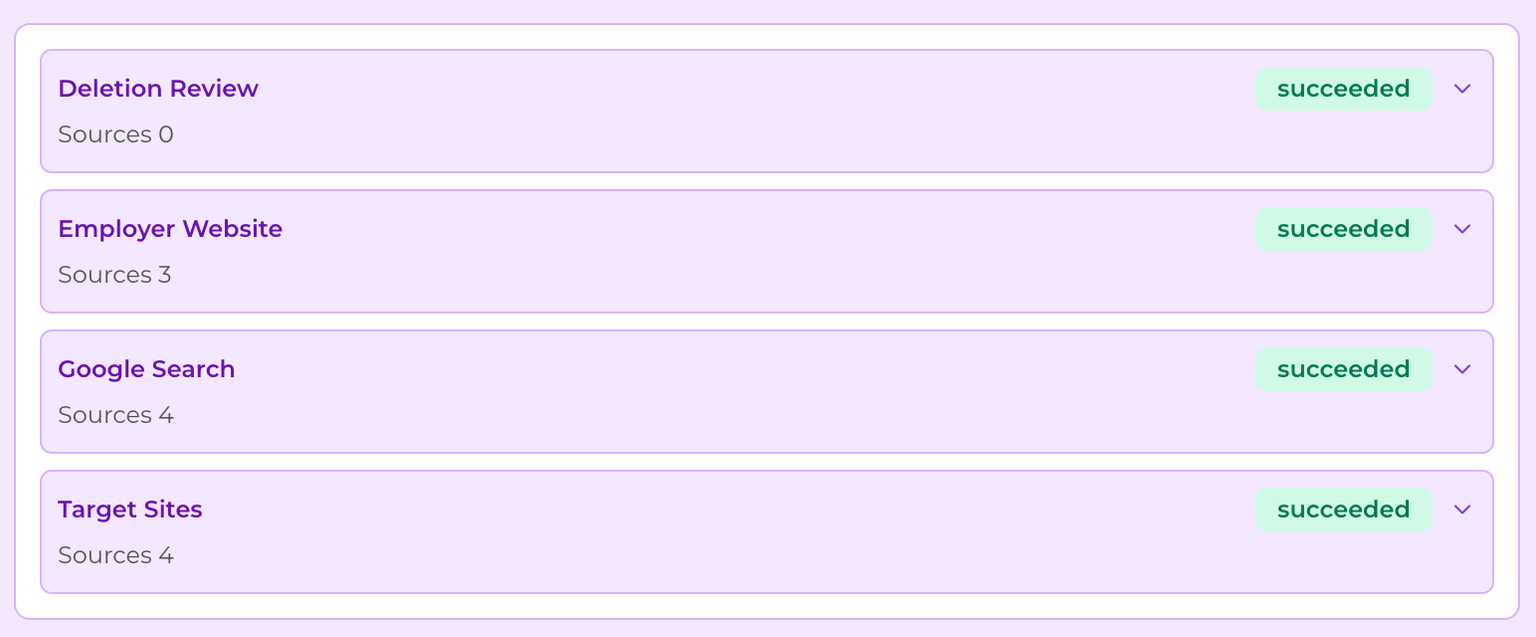
The research agent is a powerful tool that automatically adds contextual information is used for lead scoring and routing, personalized email drafts, account understanding, and message quality. It proceeds through a 4-step process that:
- Identifies if the Lead is real or spam/junk.
- Determines if the Lead is present on their employer website (indicating decision making authority).
- Builds a profile of the Lead's online activity from a broad web search.
- Targets specific websites that you choose to determine information that might not be found through the broader web search.
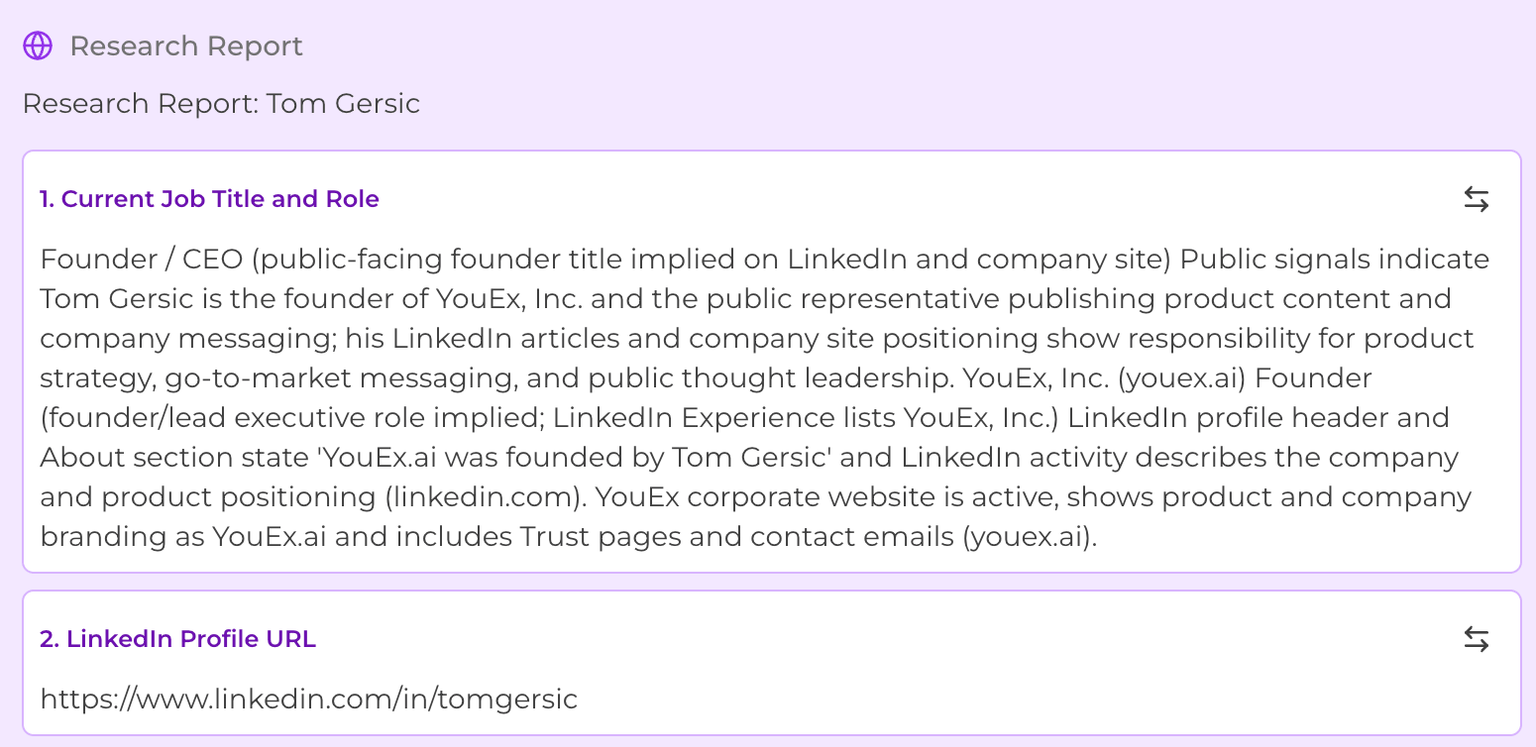
The research report provides deep contextual information about each Lead (here's a short excerpt of a Research Report)
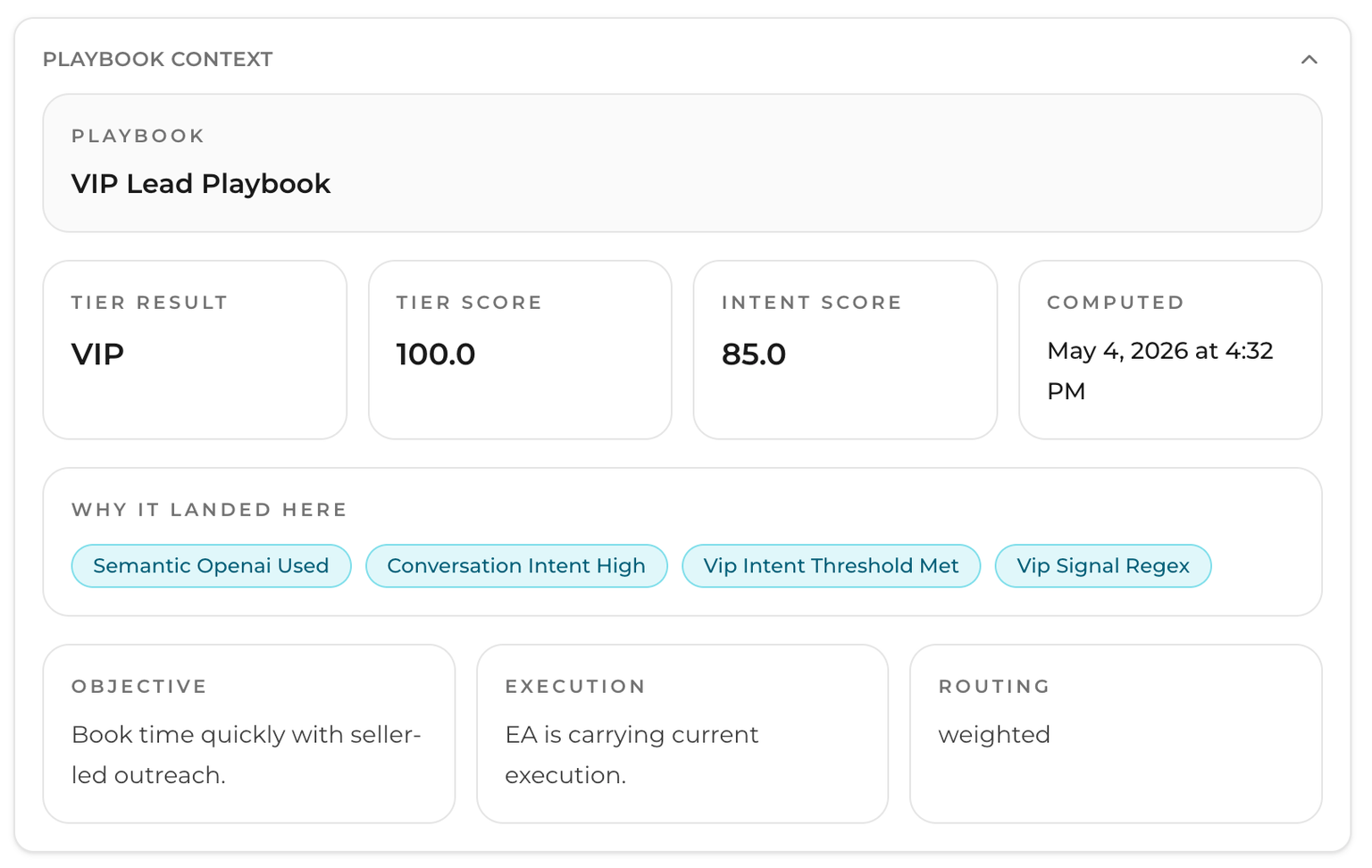
Step 3: Lead Scoring
The Lead is scored base don Intent signals from Chat plus the Research Report and any notes and activities you logged with from the Lead.
Step 4: Route
Alert the right team members with AI based routing that takes intent and best fit into account.

Step 5: Nurture
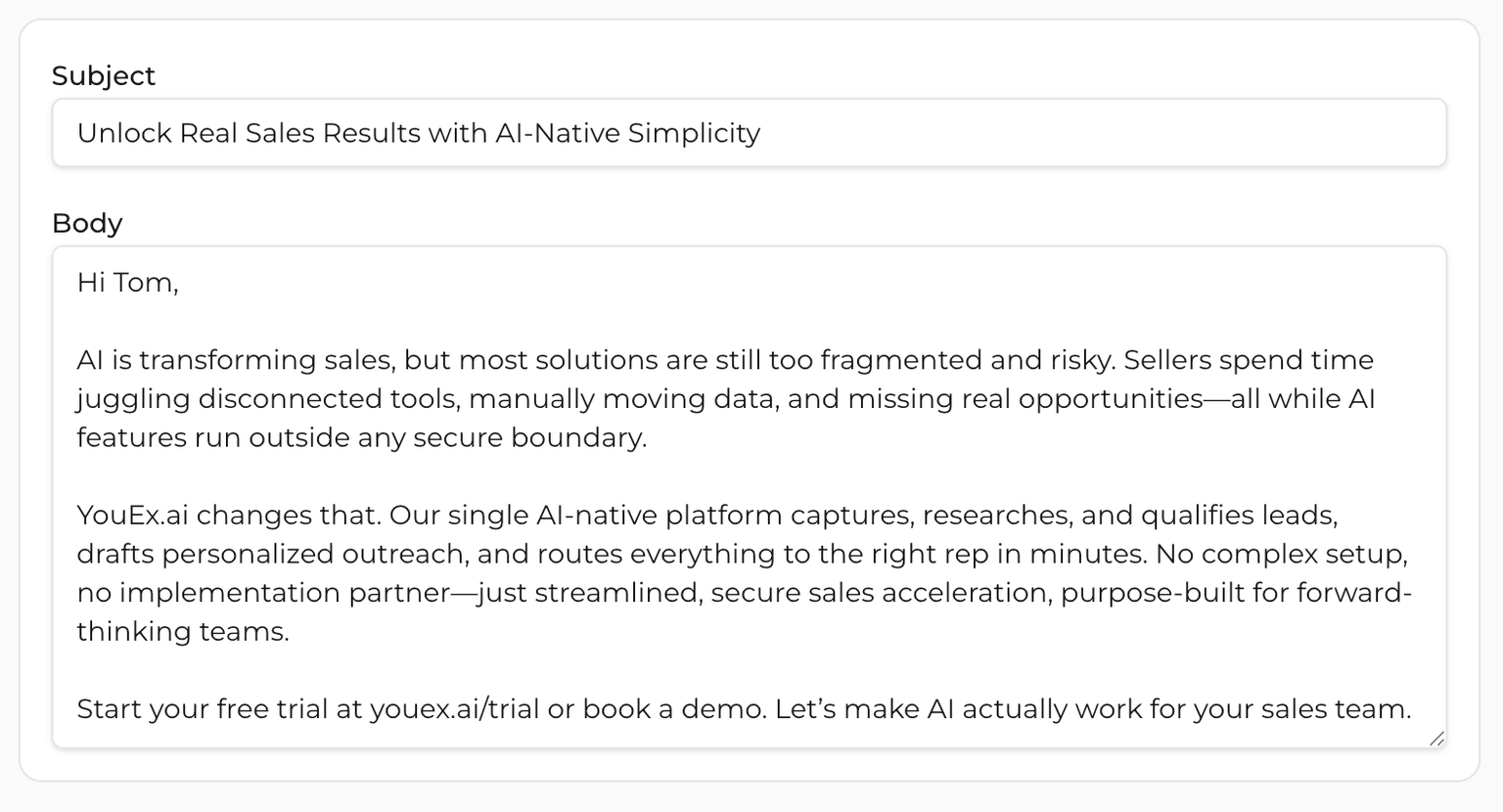
This is where the magic happens. Email outreach is personalized based on your templates, inbound intent signals, and lead research to create emails that are guaranteed to land with your leads.
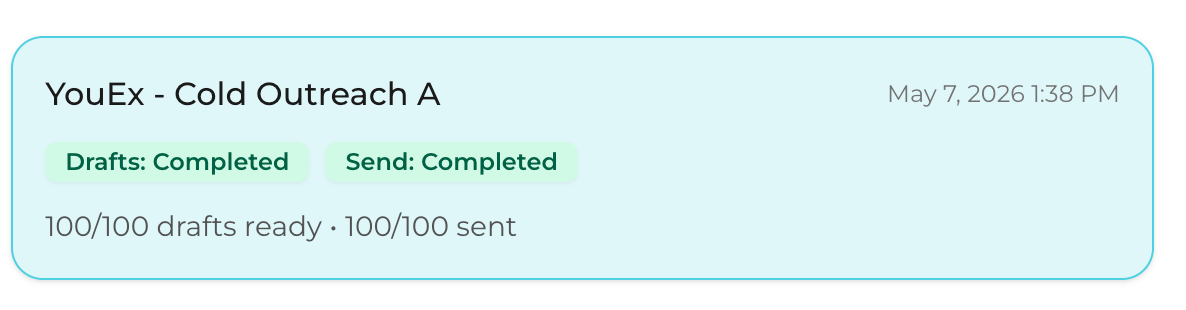
Each personalized email is tracked and includes unsubscribe links to keep your emails out of SPAM filters and compliant with local laws like CAN-SPAM, GDPR, and CCPA.
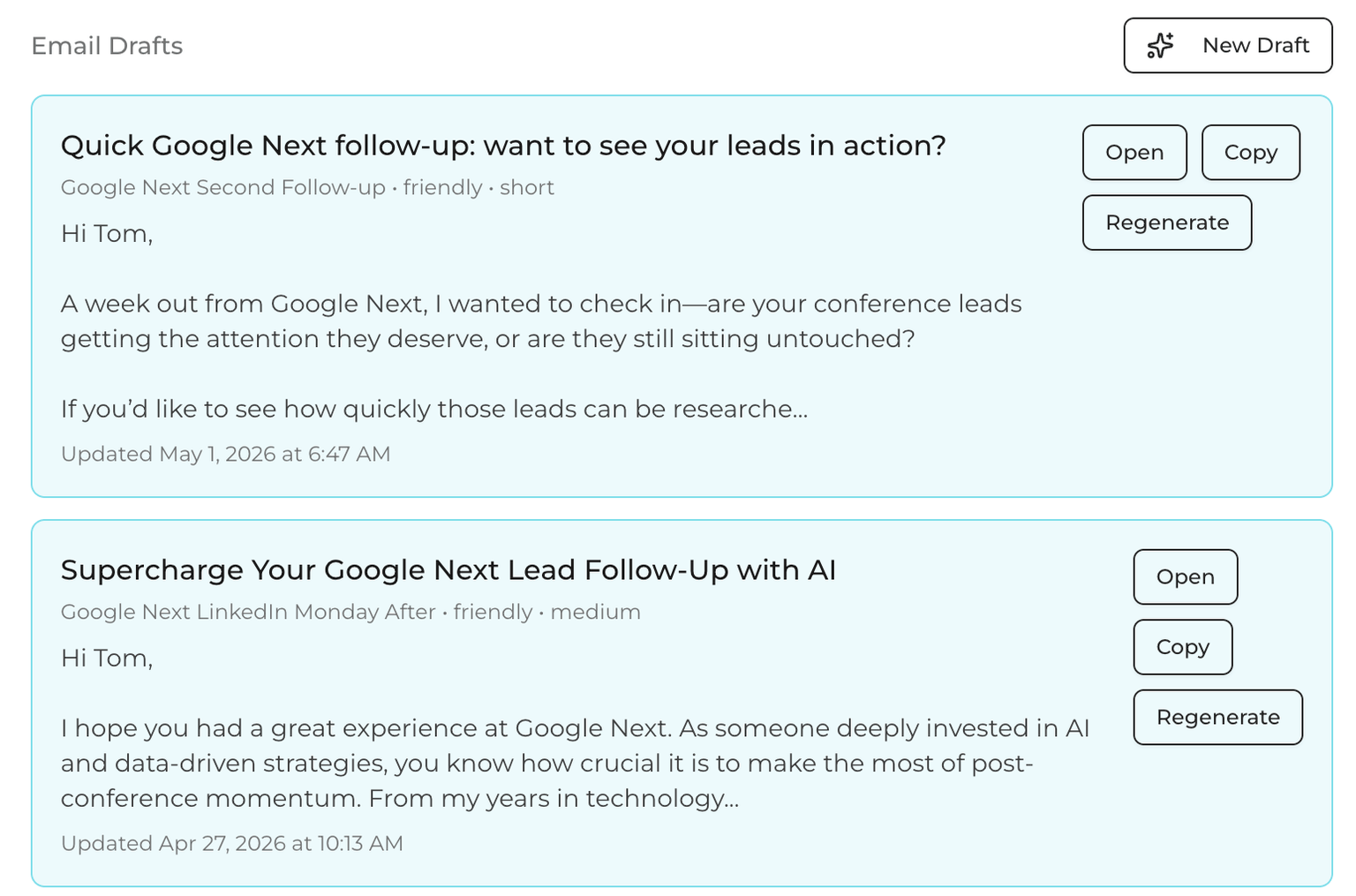
Step 6: Track
All emails and activities are tracked for you in your YouEx.ai CRM
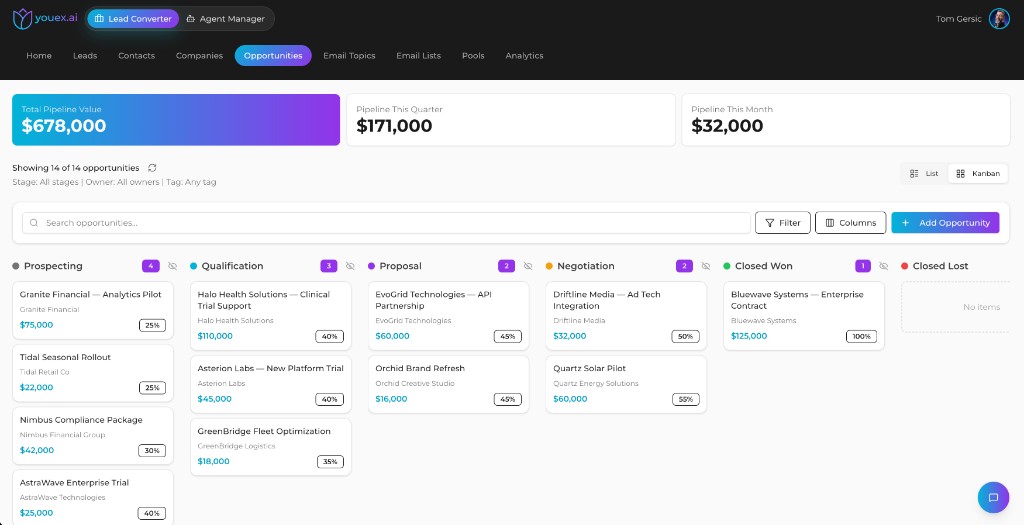
Step 7: Convert
Close the deal, convert the lead to an Opportunity, and track it in the YouEx.ai CRM with list or kanban views (amount, stage, probability, and expected close). Sync to your corporate CRM is coming soon.
Getting Started
Start here if you are new to YouEx.ai or taking ownership of an existing workspace.
Choose your quickstart
Who should read what
Use the End User Quickstart if you:
- work leads and opportunities
- send outreach emails
- manage follow-ups
- use CRM Actions and reminders
- use your personal public calendar or Google integrations
Use the Admin Onboarding Guide if you:
- manage workspace settings, members, or billing
- configure workspace email fallback
- build knowledge bases and agents
- manage routing pools, tier playbooks, or conversations